
Image color picker tool by Team210
You need Python and poetry installed and in your system PATH. Before building, install the dependencies by running poetry config virtualenvs.in-project true and then poetry install from the source root.
For debugging, run poetry run python -m imagecolorpicker from the source root.
For building an executable, run poetry run pyinstaller imagecolorpicker/imagecolorpicker.spec from the source root. The executable will be generated in the dist subfolder.
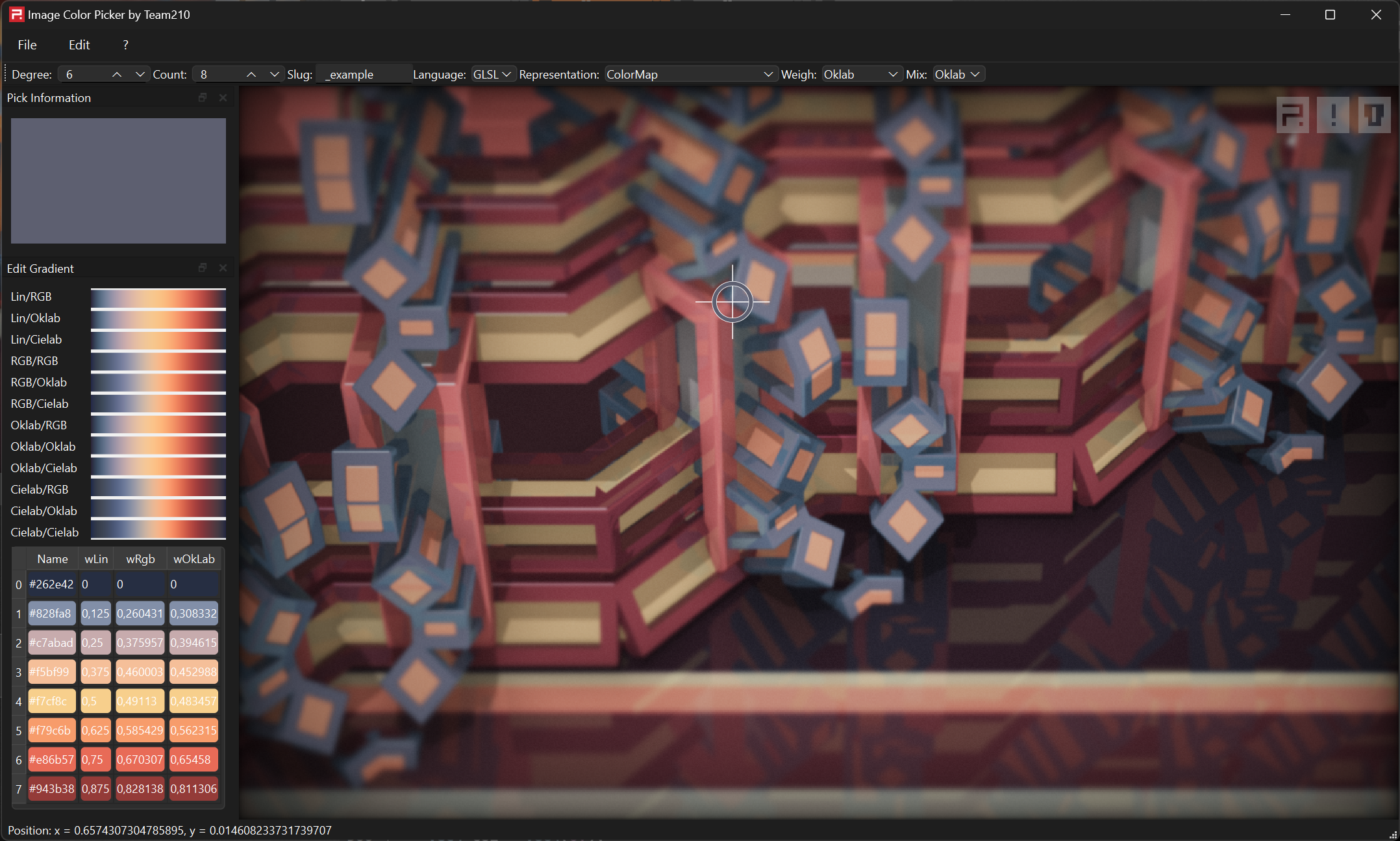
ImageColorPicker can
- Load images from files with formats supported by Qt6 (By selecting
File->Openor dragging image files onto the preview). - Paste images or html with images into the preview with
Edit->PasteorCTRL+v. - Drop images or html with images into the preview over drag&drop (for example from web browsers). This will resolve URLS per http request and decode base-64 encoded images.
- Select colors by clicking into the image.
- Copy the currently selected color or palette by pressing
CTRL+c. - Select the color format you want to copy when hitting
CTRL+cover theCopy-dropdown. - Double-click entries of the Gradient table to set the resp. gradient color to the currently selected one.
- Choose a custom color for reference by editing the language/representation table.
ImageColorPicker is (c) 2023 Alexander Kraus [email protected] and GPLv3; see LICENSE for details.